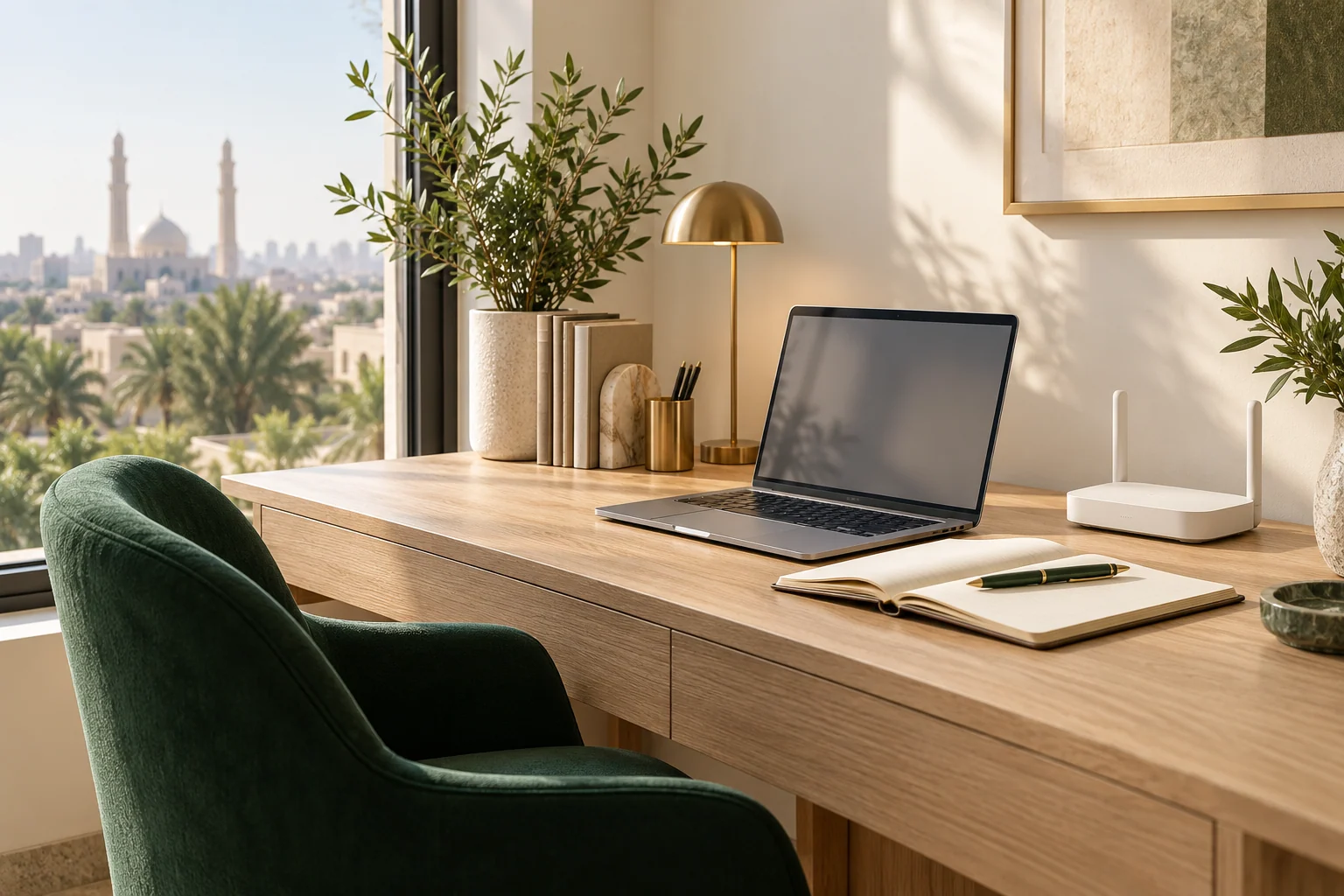
The best indoor 5G router position balances two jobs: receiving the external mobile connection and distributing Wi-Fi around the home. The center of the house is not always the best reception point, and a window is not automatically the best overall location.
Choose safe candidate positions
Select a few open, stable places with suitable power and ventilation. Avoid enclosed metal-heavy spaces where practical and follow the exact device's operating guidance. A window position must not expose indoor equipment to excessive heat or weather. External installation requires appropriate equipment and support.
Measure the source first
Use one suitable device near the router or a suitable wired connection. Pause optional heavy traffic for a baseline. Keep the test method consistent and record time and connection type. Measuring only a distant room confuses incoming reception with the local Wi-Fi path.
Let the connection settle
After moving the router, verify that it is connected normally and that your test device uses the intended network. Do not judge a result taken during restart or reconnection. Follow the device's normal status indicators rather than assuming a universal waiting period.
Take a small set of readings and note the range, not just the maximum. A slightly lower but more consistent result may suit work calls better than an occasional peak with repeated disruption.
Test the rooms next
Once you identify a promising reception position, check desks and study rooms. If the source is good but distant rooms are weak, assess indoor distribution separately. A wired access point or compatible mesh arrangement may help. An extender placed inside a dead zone still needs a usable source link.
Repeat at relevant times
Compare the strongest candidates during normal usage periods. If every position deteriorates at the same evening time, placement may not be the whole explanation. Record the pattern and contact the provider rather than moving the router endlessly or assuming an unverified usage restriction.
Keep changes controlled
Background downloads, older devices and limited ports can affect results. Test calmly, then evaluate ordinary household use. Avoid hidden cellular settings or instructions for a different model. Use official updates and documentation, and change one factor at a time.
A simple record of position, router-side result, important-room result and time is enough to make the next discussion useful. Share the router model and observations with support or the guide, without administrative passwords. Placement may help, but it is not promised as a solution for every connection problem.
References and offer details
This is an independent explanatory guide. Illustrative calculations are not field measurements.